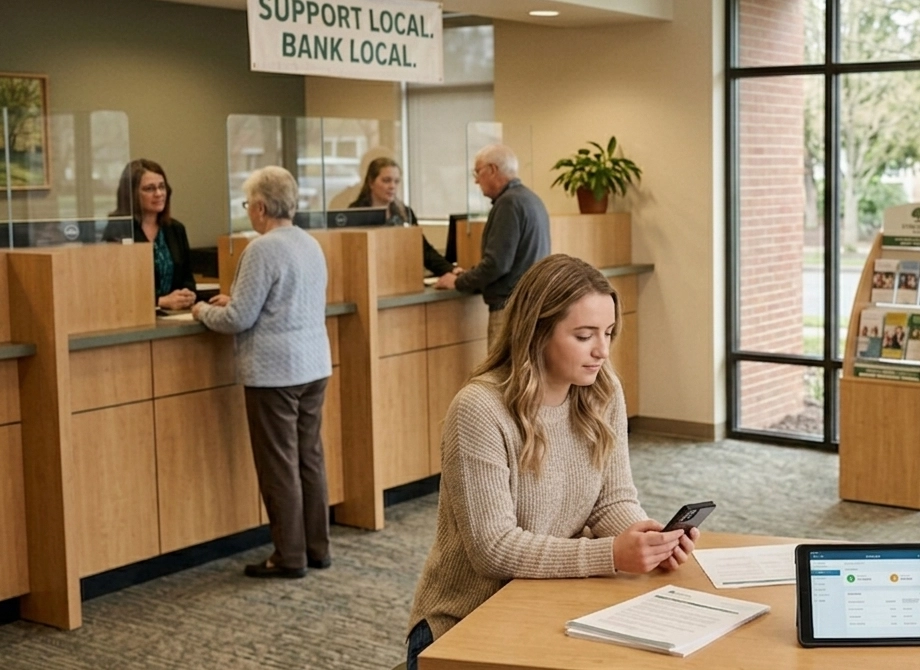
When someone searches for a local service, the first thing they see is not a website. It’s a map. The businesses inside that map – known as the Google Local Pack – are powered by Google Business Profile. If your profile is incomplete, outdated or poorly optimized, you are invisible in one of the most valuable areas of search results.
Optimizing your Google Business Profile is one of the most important steps in local SEO. It helps search engines understand your business, improves credibility with customers, and increases the chances that your company appears when someone nearby is looking for your services. It also works to support your overall SEO strategy.
This guide explains what Google Business Profile optimization actually involves, and how to do it correctly.
What Is Google Business Profile?
Google Business Profile (GBP) is a free business listing that allows companies to appear in:
A Google Business Profile includes essential business information such as:

When optimized properly, the listing helps Google understand who you are, what you do, and where you operate. That understanding determines whether your business appears in local search results.
Why Google Business Profile Matters for SEO
For many local businesses, a well-optimized Google Business Profile can be just as important as the website homepage for attracting local search traffic.
When someone searches for a service in a specific location – such as “web design Minneapolis” or “dentist near me” Google frequently shows the map results first. These map results are influenced by Google Business Profile data.
Businesses with well-maintained profiles typically receive:
In short, Google Business Profile is one of the strongest signals for local search ranking.
How Google Determines Local Search Rankings
Google evaluates three primary factors when deciding which businesses appear in the Local Pack.
1: Relevance
Relevance measures how closely your business matches the search query. Google determines relevance by analyzing:
The more clearly your profile explains what you do, the easier it is for Google to match your business with relevant searches.
2: Distance
Distance refers to how close the business is to the person searching. Google attempts to show results that are geographically convenient for the user.
This factor cannot be optimized directly, but businesses can improve relevance and prominence signals to remain competitive. Ensure that your business’s location data, as well as your service area is filled out correctly in order to optimize efficiently for distance.
3: Prominence
Prominence reflects how established and trusted a business appears online. Google evaluates prominence using signals such as:
A strong digital presence helps reinforce prominence.
How to Optimize a Google Business Profile
Optimizing a Google Business Profile involves improving both data accuracy and engagement signals. Many businesses create a profile and forget about it. The ones that perform best treat it as an active marketing channel.
Ensure Business Information Is Accurate
The most important step is maintaining accurate business information. Your listing should include:
Consistency matters.
Your business name, address and phone number, often called NAP information, should match exactly across your website and other directories. Search engines rely on this consistency to verify that your business is legitimate.
Choose the Right Business Categories
Business categories help Google understand what services your company provides. Every profile includes:
1: One primary category
The primary category has the strongest impact on rankings. For example, a digital agency might choose:
2: Secondary categories
Secondary categories are optional and might include:
Selecting categories carefully helps Google connect your business to relevant searches.
Add High-Quality Photos
Visual content significantly influences engagement.
Businesses with photos typically receive more profile views, more direction requests and more website visits. Effective photos include:
Authentic photos outperform generic stock imagery because they help potential customers trust the business.
Encourage Customer Reviews
Reviews are one of the most powerful signals in local search. They influence both ranking potential and customer trust.

Profiles with a consistent stream of positive reviews often outperform competitors with fewer reviews, even when other factors are similar.
Encouraging reviews should be part of a normal customer follow-up process. When customers leave reviews, responding professionally is important. Responses demonstrate that the business is active and engaged.
Keep the Profile Active
Google Business Profile includes a feature called Posts, which allows businesses to publish updates. These posts can highlight:
While posts do not directly determine rankings, they signal activity and provide additional engagement opportunities. Inactive profiles tend to perform worse over time.
Common Google Business Profile Mistakes
Many businesses lose local visibility due to avoidable mistakes.
Some of the most common issues include outdated information, inconsistent contact details across directories, missing categories and neglected reviews.
Another frequent problem is treating the profile as a one-time setup rather than an ongoing asset. Local search rewards businesses that maintain accurate, active listings.
Ignoring your profile makes it easier for competitors to appear above you.
How Google Business Profile Supports Local SEO Strategy
Google Business Profile works best when integrated with the broader SEO strategy of a website. For example, a company targeting local keywords should ensure that:

When these elements align, search engines can confidently associate the business with specific services and locations. That clarity improves visibility across both Google Search and Maps.
The Role of Google Business Profile in Modern Search
Local search continues to evolve. Today, Google integrates map results, AI summaries, knowledge panels and traditional rankings into a single experience.
In that environment, Google Business Profile acts as a central source of business information. It helps search engines verify:
Businesses that maintain complete and accurate profiles are significantly more likely to appear in local search results.
The Bottom Line
A complete, accurate and active listing strengthens local visibility, improves credibility, and helps search engines understand your business. For companies that depend on local clients, it is not optional. It’s foundational.

Let’s get your business on the map!
We offer Google Business Profile optimization services to help your business stand out in Search and Maps. If you’re interested in improving your local visibility, get in touch with us to get started.